Reset Password

Getting Started Guide for Travelers

10.02.2026 by adminpixelmaker

This guide covers everything you need to know as a traveler using the Accomdirect platform.

Getting Started

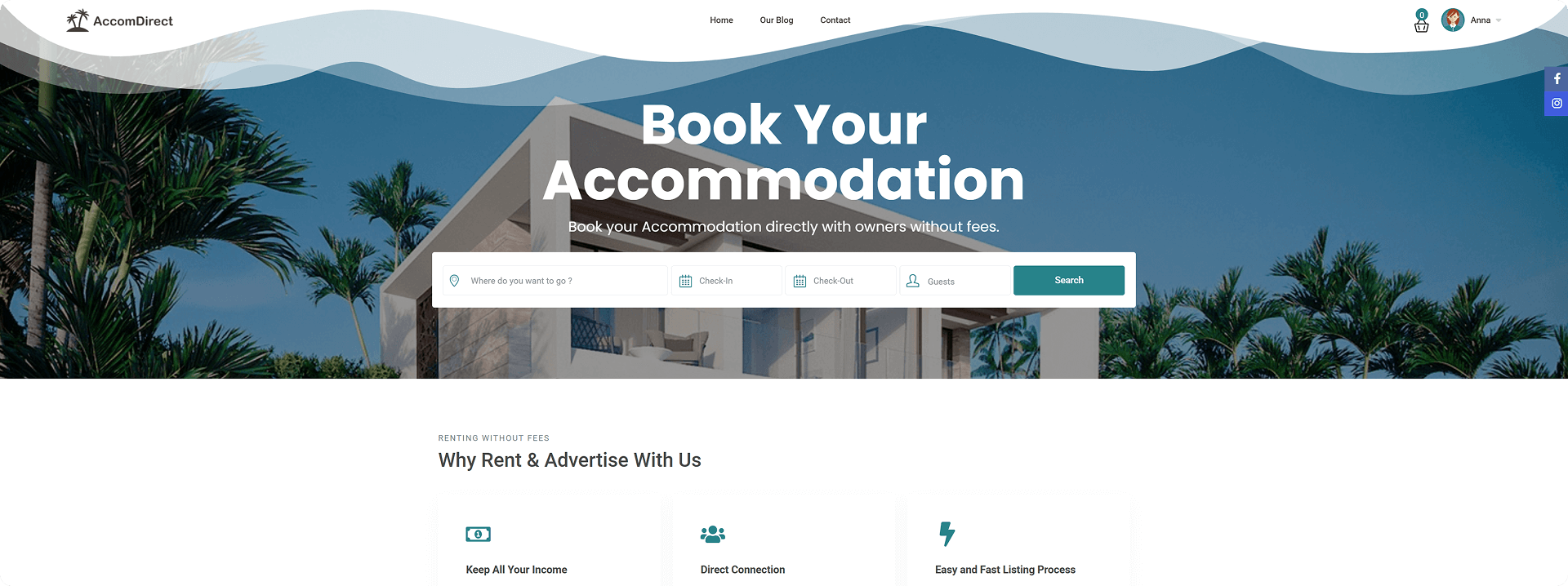
To get started, go to the Accomdirect.com homepage.

Registration

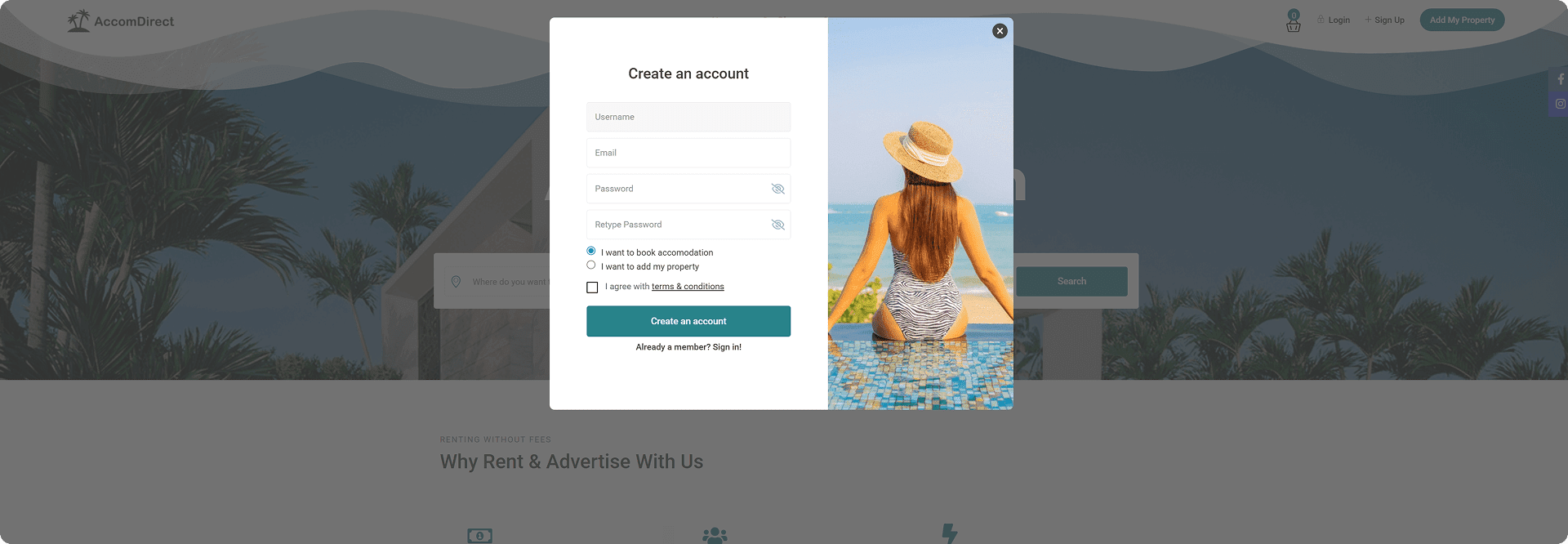
Accomdirect offers two registration types: Host and Traveler.

To register as a traveler:

  1. Click “Sign Up”
  2. Fill in the required information:
    • Username
    • Email
    • Password
  3. Click “I want to book accommodation”
  4. Agree to the Accomdirect platform’s terms and conditions
  5. Click “Create an account”

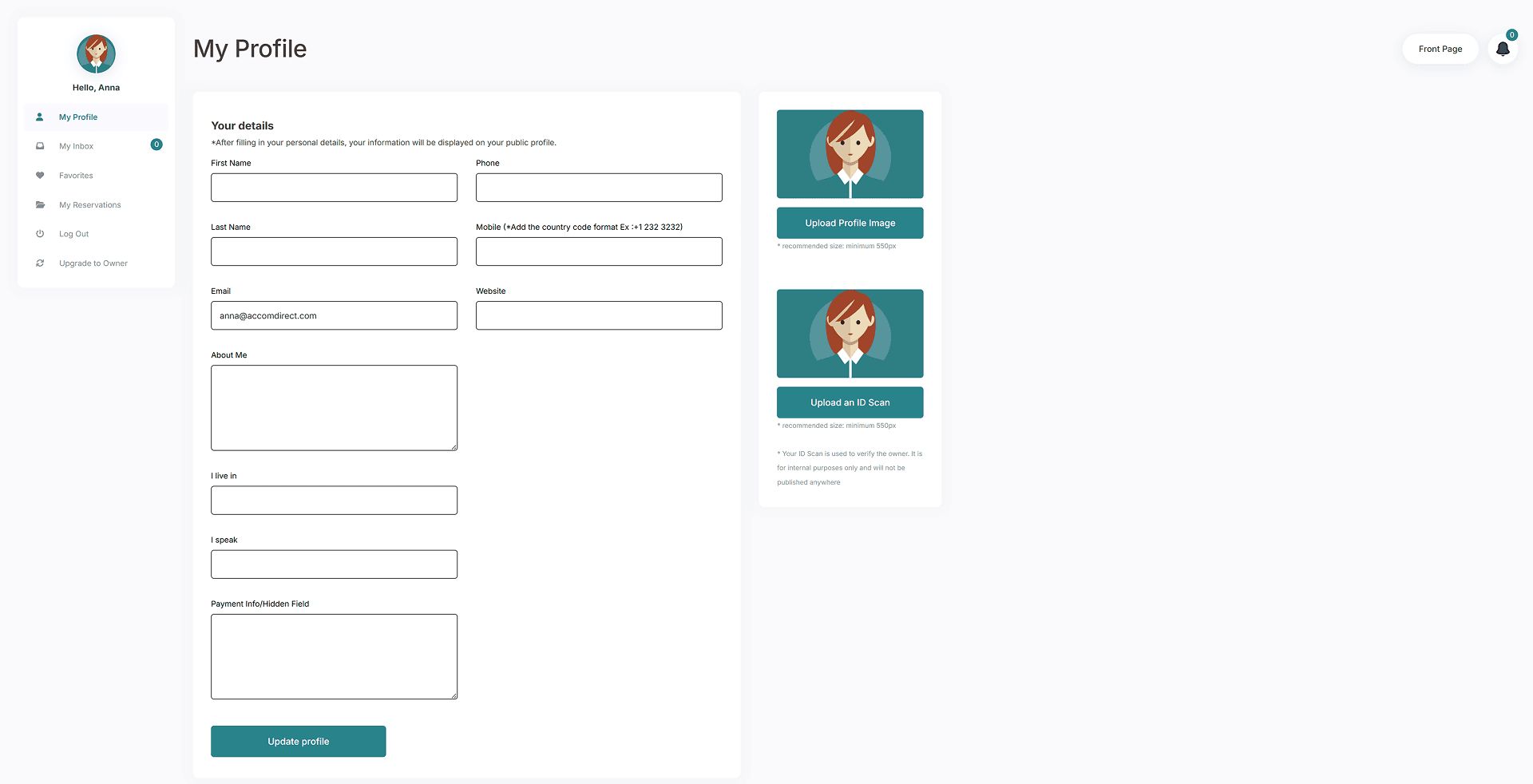
My Profile

After registration, you’ll be directed to the My Profile page where you can:

  • Set up and manage your personal information
  • Change your password
  • Delete your account if needed

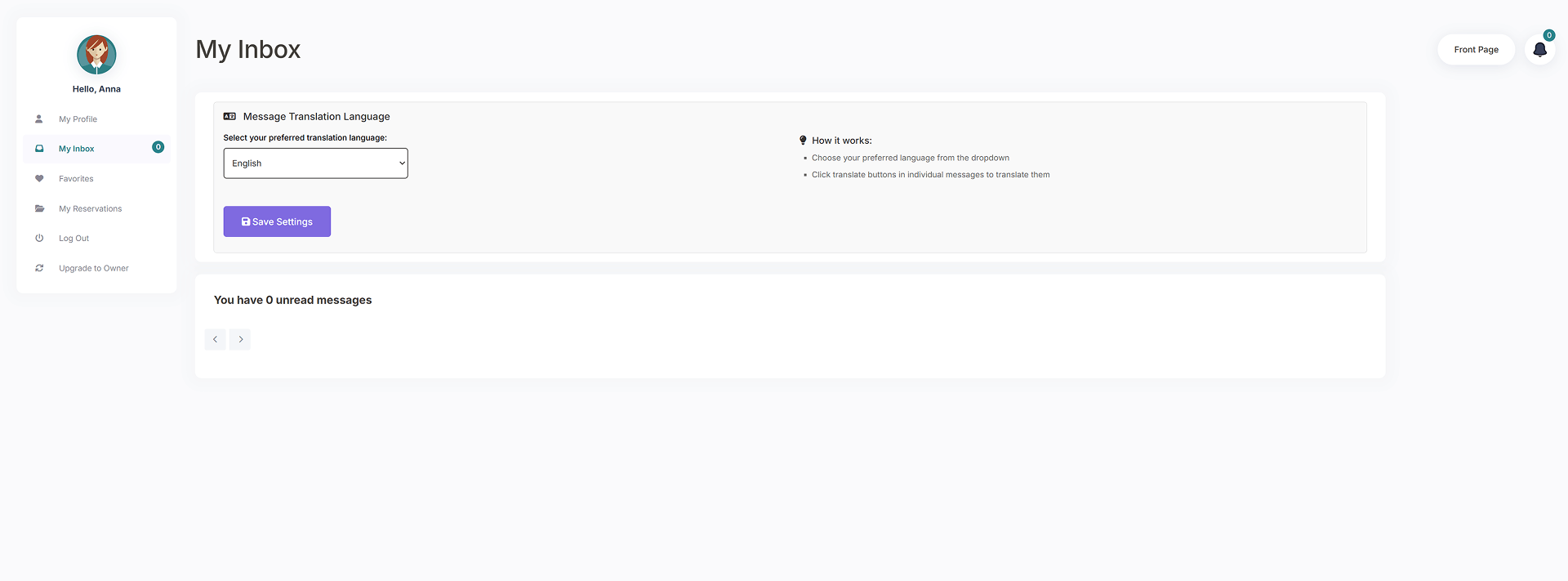
My Inbox

Use this page to communicate with property owners.

Translation Feature:

  1. In the upper section, select your preferred language
  2. Click “Save Settings”
  3. Use the “Translate Entire Conversation” button in conversation details to translate messages into your selected language

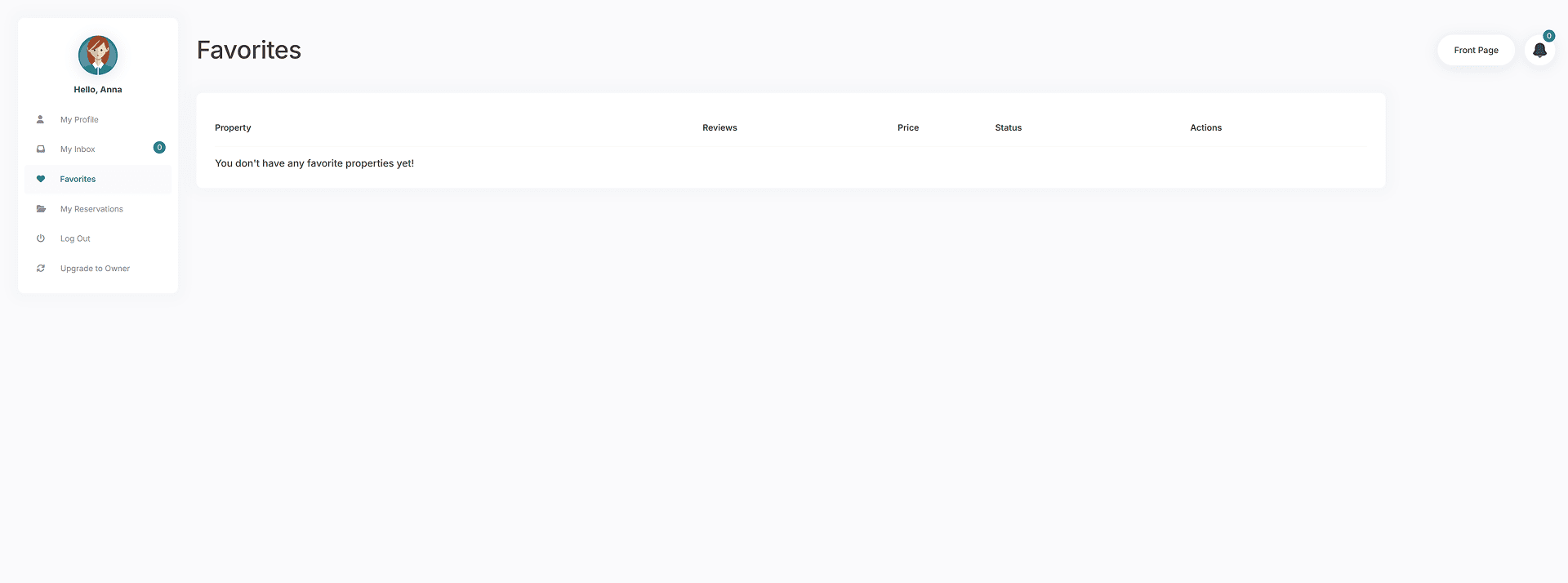
Favorites

Save accommodations you’re interested in for easy access later.

To add to Favorites:

  • Click the heart icon next to any property listing

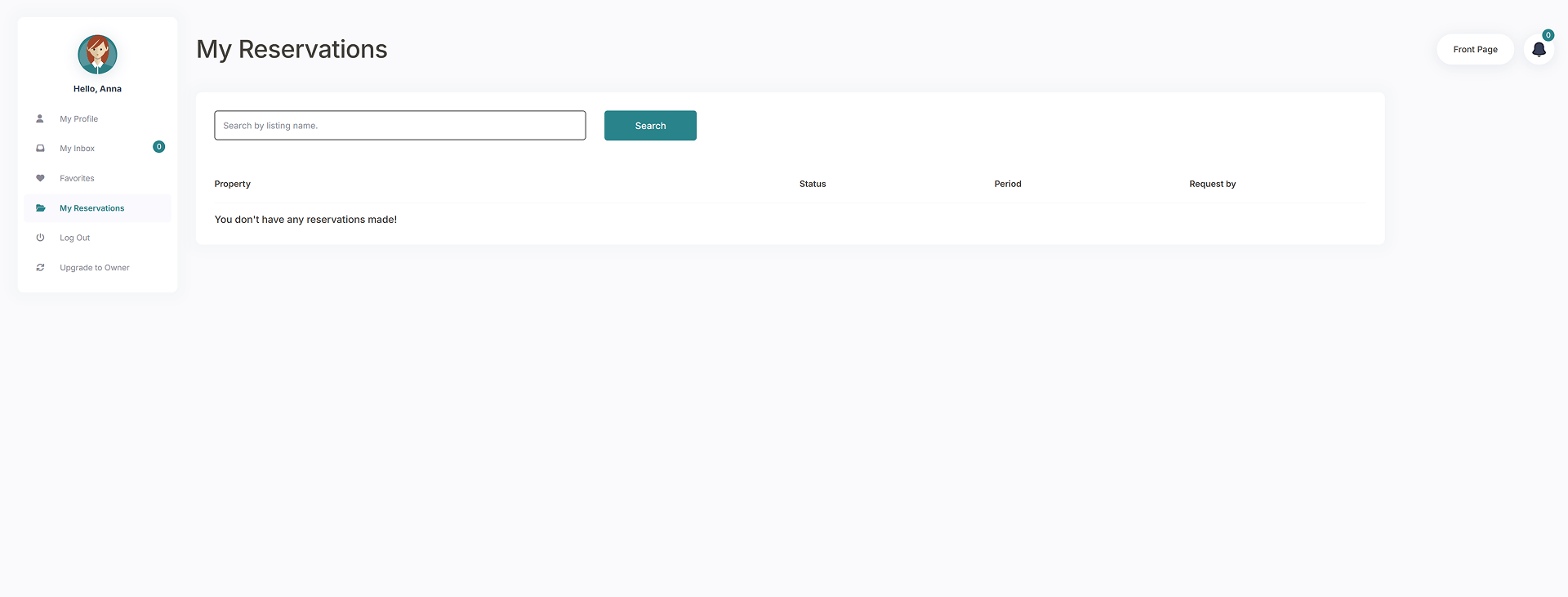
My Reservations

View all your bookings made through the Accomdirect platform on this page.

Upgrade to Owner

If you decide to list your own property on Accomdirect:

  1. Click the “Upgrade to Owner” button
  2. Your profile will be converted to a property owner account
  3. Purchase a subscription to begin listing your accommodation

Searching for Accommodations

To search for properties:

  1. Go to the home page
  2. Enter your destination
  3. Select arrival and departure dates
  4. Specify the number of guests (optional)
  5. Click “Search”

Search Results:

  • All available properties matching your criteria will be displayed
  • Use additional filters in the upper section to refine your search

Requesting a Reservation

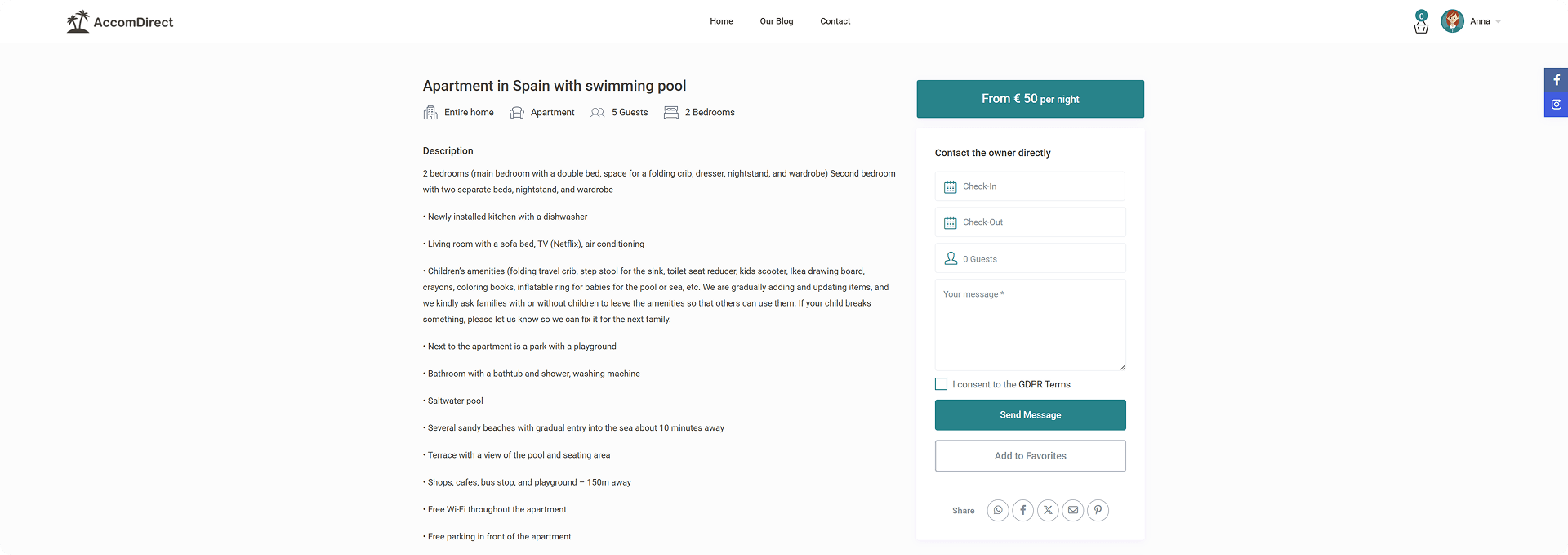
To inquire about a property:

  1. Click on the property listing for details
  2. Write a message directly to the owner
  3. Enter the following information:
    • Arrival and departure dates
    • Number of guests
    • Your message/inquiry
  4. Agree to the Privacy Policy
  5. Click “Send Message” to send your request to the owner

Managing Messages:

  • Access all communication through your My Inbox page


Important Note About Reservations

Submitting an inquiry form does NOT automatically create a reservation.

The booking process works as follows:

  1. You send a request to the property owner
  2. You wait for the owner’s response
  3. The property owner creates the actual reservation after you confirm details via message
  4. As a traveler, you only send requests and wait for confirmation from property owners

Additional Resources

For more tutorials and detailed guides, visit the Help Center in the navigation bar at the top of the page.